
Close Menu
The Hollywood Elites Magazine
  • Home
  • Film
  • Television
  • Box Office
  • Reality TV
  • Music
  • Horror
  • Books
  • Technology
  • Politics
  • Cover Story
  • Contact
    • About
    • Privacy Policy
    • DMCA / Copyright Disclaimer
    • Amazon Disclaimer
    • Terms and Conditions
What's Hot

Guarding Stars: Inside the Adaptations Casting, Book-to-Screen Changes & More

Building a smart home across different brands? Heres what you should know – Engadget

Rosalía celebrates one year of Lux with 1,000-song playlist and anniversary box set

Facebook X (Twitter) Instagram
The Hollywood Elites Magazine
  • Home
  • Film
  • Television
  • Box Office
  • Reality TV
  • Music
  • Horror
  • Books
  • Technology
  • Politics
  • Cover Story
  • Contact
    • About
    • Privacy Policy
    • DMCA / Copyright Disclaimer
    • Amazon Disclaimer
    • Terms and Conditions
The Hollywood Elites Magazine
You are at:Home»Technology»How To Customize Camera Control On Your iPhone
Technology

How To Customize Camera Control On Your iPhone

By AdminOctober 3, 2026
Facebook Twitter Pinterest Telegram LinkedIn Tumblr Email Reddit
How To Customize Camera Control On Your iPhone

[ad_1]

How To Customize Camera Control On Your iPhone

Make your iPhone’s camera behave exactly how you want

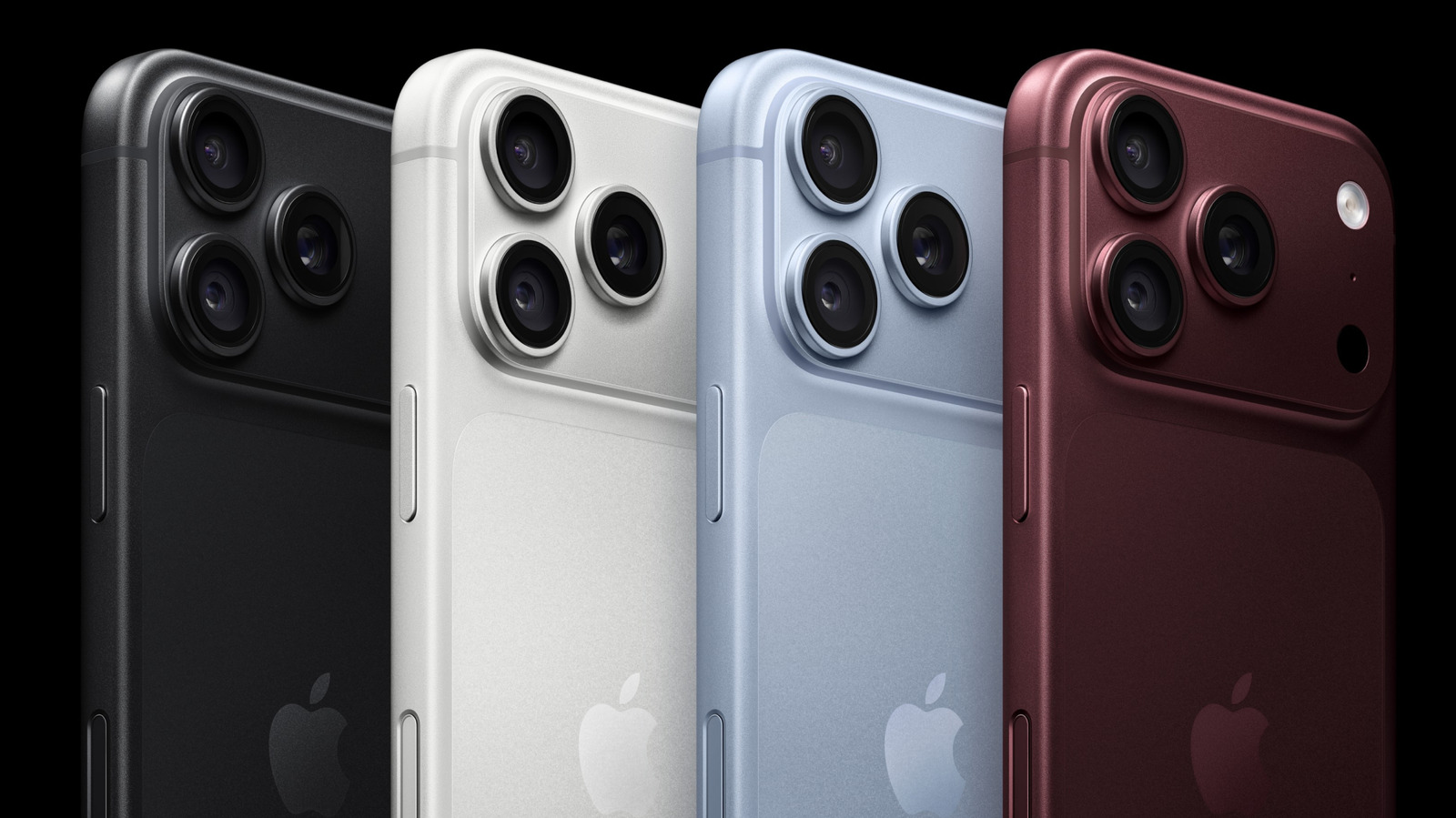
Are you getting everything you can out of the button at the lower right of your iPhone 16, 17, and 18 series? The button is the phone’s Camera Control, which can be customized to support your mobile photography workflow.

To clear up any confusion, Camera Control refers to the capacitive button on the right side of your iPhone, which understands a range of gestures, including single- and double-clicks and swipe gestures. You use it to open the camera, take pictures, record videos and work with the advanced photography settings on your iPhone. 

Perfect for one-handed photography, Camera Control’s default inputs are:

  • Click the button once to launch the Camera.
  • Swipe to use different photography tools such as exposure or zoom while in the app
  • Click again to take the image.
  • Long-press to capture video.
  • Double-click to launch Visual Intelligence, which lets you use the camera to ask Siri questions about your surroundings.

How to customize the Camera Control button

You can change the default behaviors in Settings > Camera > Camera Control. This takes you to a pane of many options, including two important sections you should explore first: Launch Camera and Controls, alongside several smaller tweaks.

For Launch Camera, tap Camera to choose which supported app to open when you press the Camera Control button. Camera is enabled by default, but you’ll find other options if the relevant app is installed. These may include Instagram, which makes your iPhone an instant story creation tool, Code Scanner to scan QR codes or Magnifier, which turns your iPhone into a high-powered digital magnifying glass. You may also see other third-party apps, some of which may be grayed out pending full support.

The Controls section includes a range of settings you should explore, including Camera Adjustments. When activated, this makes Camera Control even more useful. When your Camera app is active, light presses or swipes on the button will let you explore camera options and adjustments.

Customize lets you decide what gestures Camera Control supports while in that mode, including support for light presses and swipes. It also lets you enable and disable the six adjustments potentially supported by Camera Control, which include:

  • Zoom
  • Exposure
  • Depth
  • Cameras
  • Styles
  • Tone

Tap to enable and disable the tick beside the function, or press and hold the burger icon (three horizontal lines) beside each item to move it into your preferred order. In the future, when taking a picture, you’ll be able to swipe the Camera Control to move through those different adjustments in the order you define.

Exploring additional Camera Control options

Along with the above-referenced features, Camera Control also allows:

  • Single Click or Double Click: Double Click can be best to avoid accidental camera activations.
  • Require Screen On: When enabled, this toggle-based control will prevent accidental Camera activation when your iPhone is locked.
  • Lock Focus and Exposure: When this is active, Camera Control will maintain focus and exposure so long as you continue to touch it.
  • Launch Visual Intelligence: When active, press and hold the Camera button to open Visual Intelligence, which lets you ask Siri about your surroundings.

There are several additional customizations available in Settings > Accessibility > Camera Control. Here you can disable the button completely and define the force and speed required to make the button respond to a press, choosing between Default, Slow and Slower.

I’ve found setting button behaviors to Slow helps stop accidentally opening the Camera when handling my device, and trimming the camera adjustments to Zoom, Exposure and Styles helps me focus on the image, not the controls I don’t frequently use. 

That’s the point of Camera Control, really — configure it to support your workflow while making it much, much easier to take photos, videos and use Visual Intelligence with one hand.

[ad_2]

Original Source Link

Share. Facebook Twitter Pinterest LinkedIn Reddit WhatsApp Telegram Email
Previous ArticleBook Riot’s Deals of the Day for October 3, 2026
Next Article Jimmy Barnes Pays Tribute to Angry Anderson With Rose Tattoo Cover

Related Posts

Building a smart home across different brands? Heres what you should know – Engadget

November 8, 2026

What is System Data on an iPhones storage, and how much is normal? – Engadget

November 7, 2026

The Fridge-Hacking Spree Is an Internet-of-Things Wake-Up Call

November 7, 2026

The Cybertrucks Death Is Actually Great News for EVs

November 6, 2026

Fox wraps up its $22 billion Roku deal – Engadget

November 6, 2026

6 Best VPN Services (2026), Tested and Reviewed

November 5, 2026
Recent Posts

The Rainmaker: Madison Iseman Explains Sarahs Big Decision With Rudy

Clive Barker Is Curating an Original Horror Soundtrack for Library of the Dead!

1408 Follow-Up Reportedly Bringing Back John Cusack and Samuel L. Jackson; Natalia Dyer and Elijah Wood!

The Cybertrucks Death Is Actually Great News for EVs

Greys Anatomys Texas Spinoff Gets Major Delay & Location Change

Leonardo Aguilar Leaves Behind Family Controversies & Releases Esquina 22: There Are Things That Are Not in My Hands to Resolve

Fox wraps up its $22 billion Roku deal – Engadget

Categories
  • Art (2)
  • Books (2,453)
  • Box Office (1,821)
  • Business (5)
  • Cover Story (86)
  • Events (16)
  • Featured Stories (50)
  • Film (2,473)
  • Horror (2,458)
  • Music (2,535)
  • Politics (1,639)
  • Reality TV (1,920)
  • Technology (2,468)
  • Television (2,373)
  • Uncategorized (2)
Archives
Useful Links
  • About
  • Contact
  • Privacy Policy
  • DMCA / Copyright Disclaimer
  • Amazon Disclaimer
  • Terms and Conditions
Popular Posts

Nope Star Keke Palmer Drops Triumphant Keke Frankenstein Single for Halloween

October 31, 2026

NBC, ABC & CBS Evening News Ratings: Tony Dokoupil Finally Gets Good News

October 31, 2026

Bolt Graphics powers on its first Zeus GPU – Engadget

October 31, 2026

Deep Purples Ian Gillan Hospitalized Following Medical Emergency, Two Shows Postponed

October 31, 2026

No CGI, Just Puppet Gore: Watch Patches This Halloween [Exclusive]

October 31, 2026

Spooky New Infostealer Malware Uses AI to Autodox Victims

October 31, 2026

Watch Harry Styles recreate his 2010 X Factor audition with Stevie Wonder cover at Harryween show

October 31, 2026
Categories
  • Art (2)
  • Books (2,453)
  • Box Office (1,821)
  • Business (5)
  • Cover Story (86)
  • Events (16)
  • Featured Stories (50)
  • Film (2,473)
  • Horror (2,458)
  • Music (2,535)
  • Politics (1,639)
  • Reality TV (1,920)
  • Technology (2,468)
  • Television (2,373)
  • Uncategorized (2)
Recent Posts
  • Guarding Stars: Inside the Adaptations Casting, Book-to-Screen Changes & More
  • Building a smart home across different brands? Heres what you should know – Engadget
  • Rosalía celebrates one year of Lux with 1,000-song playlist and anniversary box set
  • U2 Weigh In on Ed Sheeran and Macklemore Tour Controversy
  • How Much Residuals Do TV Stars Make? These Stars Candid Revelations May Shock You
  • Love Is Blind Reunion Photos: See the Cast Now vs. the Start of Season 11
  • Alex Burgnon Guests On TriVersity Talk With Host Wendy Stuart 7 PM ET Wednesday, November 11th, 2026
Our Picks

Guarding Stars: Inside the Adaptations Casting, Book-to-Screen Changes & More

Building a smart home across different brands? Heres what you should know – Engadget

Rosalía celebrates one year of Lux with 1,000-song playlist and anniversary box set

U2 Weigh In on Ed Sheeran and Macklemore Tour Controversy

© 2026 The Hollywood Elites Magazine. All rights reserved. All articles, images, product names, logos, and brands are property of their respective owners. All company, product and service names used in this website are for identification purposes only. Use of these names, logos, and brands does not imply endorsement unless specified. By using this site, you agree to the Terms & Conditions and Privacy Policy.

Type above and press Enter to search. Press Esc to cancel.

We use cookies on our website to give you the most relevant experience by remembering your preferences and repeat visits. By clicking “Accept All”, you consent to the use of ALL the cookies. However, you may visit "Cookie Settings" to provide a controlled consent.
Cookie SettingsAccept All
Manage consent

Privacy Overview

This website uses cookies to improve your experience while you navigate through the website. Out of these, the cookies that are categorized as necessary are stored on your browser as they are essential for the working of basic functionalities of the website. We also use third-party cookies that help us analyze and understand how you use this website. These cookies will be stored in your browser only with your consent. You also have the option to opt-out of these cookies. But opting out of some of these cookies may affect your browsing experience.
Necessary
Always Enabled
Necessary cookies are absolutely essential for the website to function properly. These cookies ensure basic functionalities and security features of the website, anonymously.
CookieDurationDescription
cookielawinfo-checkbox-analytics11 monthsThis cookie is set by GDPR Cookie Consent plugin. The cookie is used to store the user consent for the cookies in the category "Analytics".
cookielawinfo-checkbox-functional11 monthsThe cookie is set by GDPR cookie consent to record the user consent for the cookies in the category "Functional".
cookielawinfo-checkbox-necessary11 monthsThis cookie is set by GDPR Cookie Consent plugin. The cookies is used to store the user consent for the cookies in the category "Necessary".
cookielawinfo-checkbox-others11 monthsThis cookie is set by GDPR Cookie Consent plugin. The cookie is used to store the user consent for the cookies in the category "Other.
cookielawinfo-checkbox-performance11 monthsThis cookie is set by GDPR Cookie Consent plugin. The cookie is used to store the user consent for the cookies in the category "Performance".
viewed_cookie_policy11 monthsThe cookie is set by the GDPR Cookie Consent plugin and is used to store whether or not user has consented to the use of cookies. It does not store any personal data.
Functional
Functional cookies help to perform certain functionalities like sharing the content of the website on social media platforms, collect feedbacks, and other third-party features.
Performance
Performance cookies are used to understand and analyze the key performance indexes of the website which helps in delivering a better user experience for the visitors.
Analytics
Analytical cookies are used to understand how visitors interact with the website. These cookies help provide information on metrics the number of visitors, bounce rate, traffic source, etc.
Advertisement
Advertisement cookies are used to provide visitors with relevant ads and marketing campaigns. These cookies track visitors across websites and collect information to provide customized ads.
Others
Other uncategorized cookies are those that are being analyzed and have not been classified into a category as yet.
SAVE & ACCEPT